 Stitchline
Try it with sample jobs
Price a quote, mark a job paid and watch the vendor lists appear, then move a job across the board. Nothing here is saved or sent.
Build a sample job
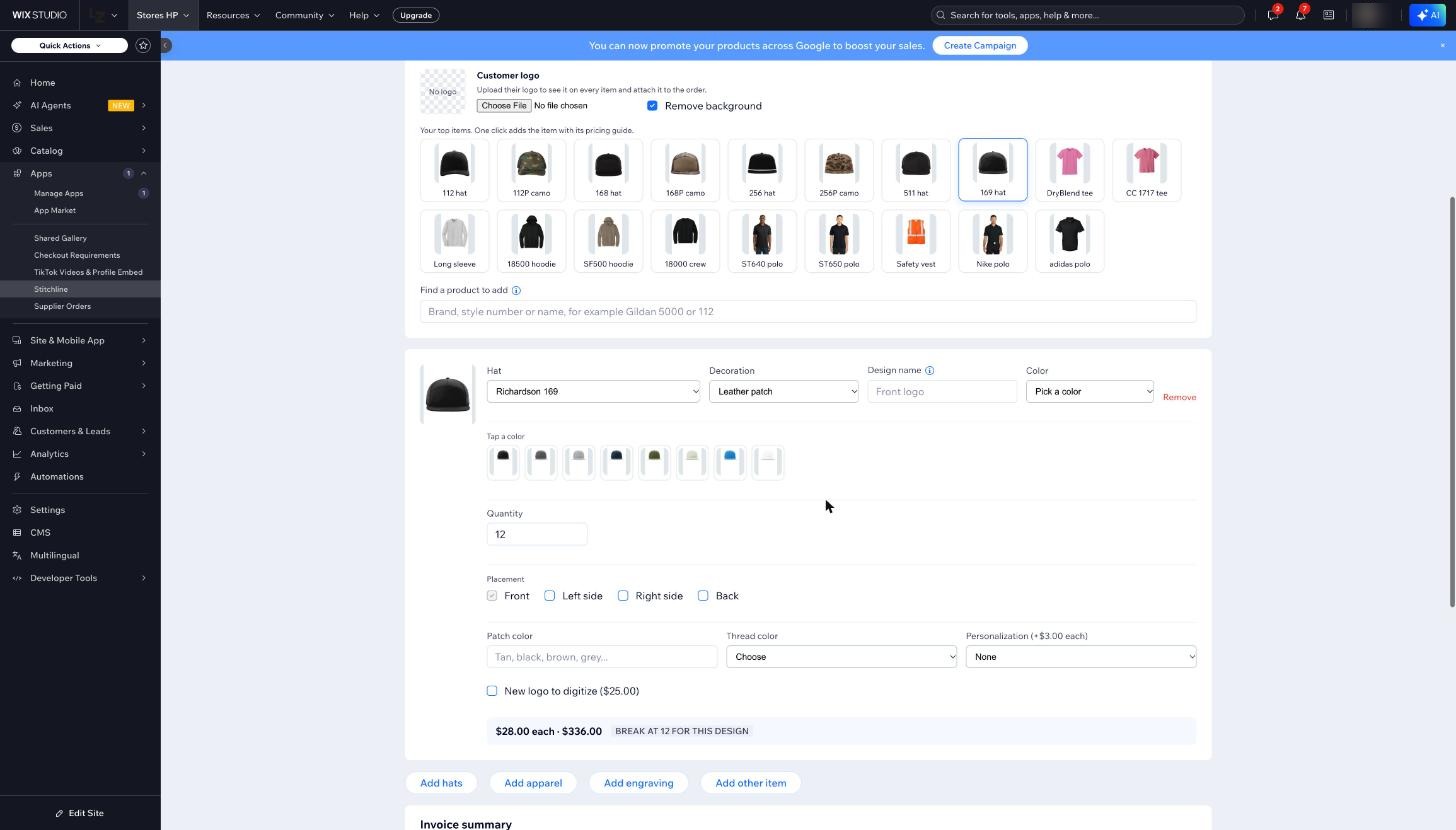
The same screen shop owners use. Pick a logo, choose the decoration and quantity, and watch the mockup and the price.
Mark it paid
One order, three vendors. Press the button and watch the lists come off the ticket.
Job 1042
Riverbend Landscaping
Awaiting paymentRiverbend Landscaping
| Item | Color and sizes | Vendor |
|---|---|---|
| Cotton tee | Black: M 12, L 12, XL 6 | S&S Activewear |
| Performance polo | Navy: M 6, L 6, XL 4 | SanMar |
| 20 oz tumbler, engraved | Stainless: 24 | JDS Industries |
S&S ActivewearQueued
Job 1042: Cotton tee, Black
M 12, L 12, XL 6 (30 pieces)
SanMarQueued
Job 1042: Performance polo, Navy
M 6, L 6, XL 4 (16 pieces)
JDS IndustriesQueued
Job 1042: 20 oz tumbler, Stainless
24 pieces, front engraving, 1 design
Move jobs across the board
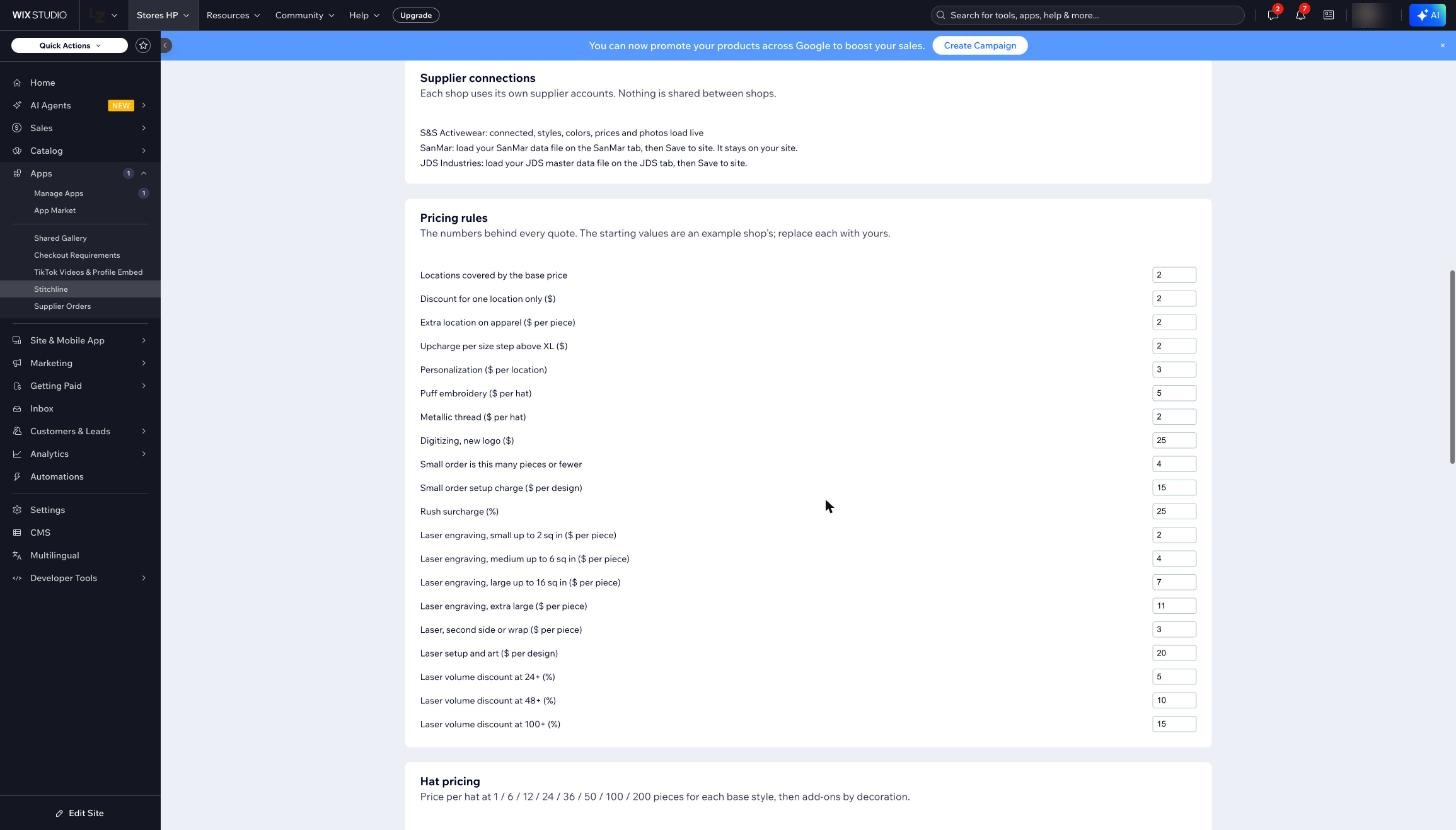
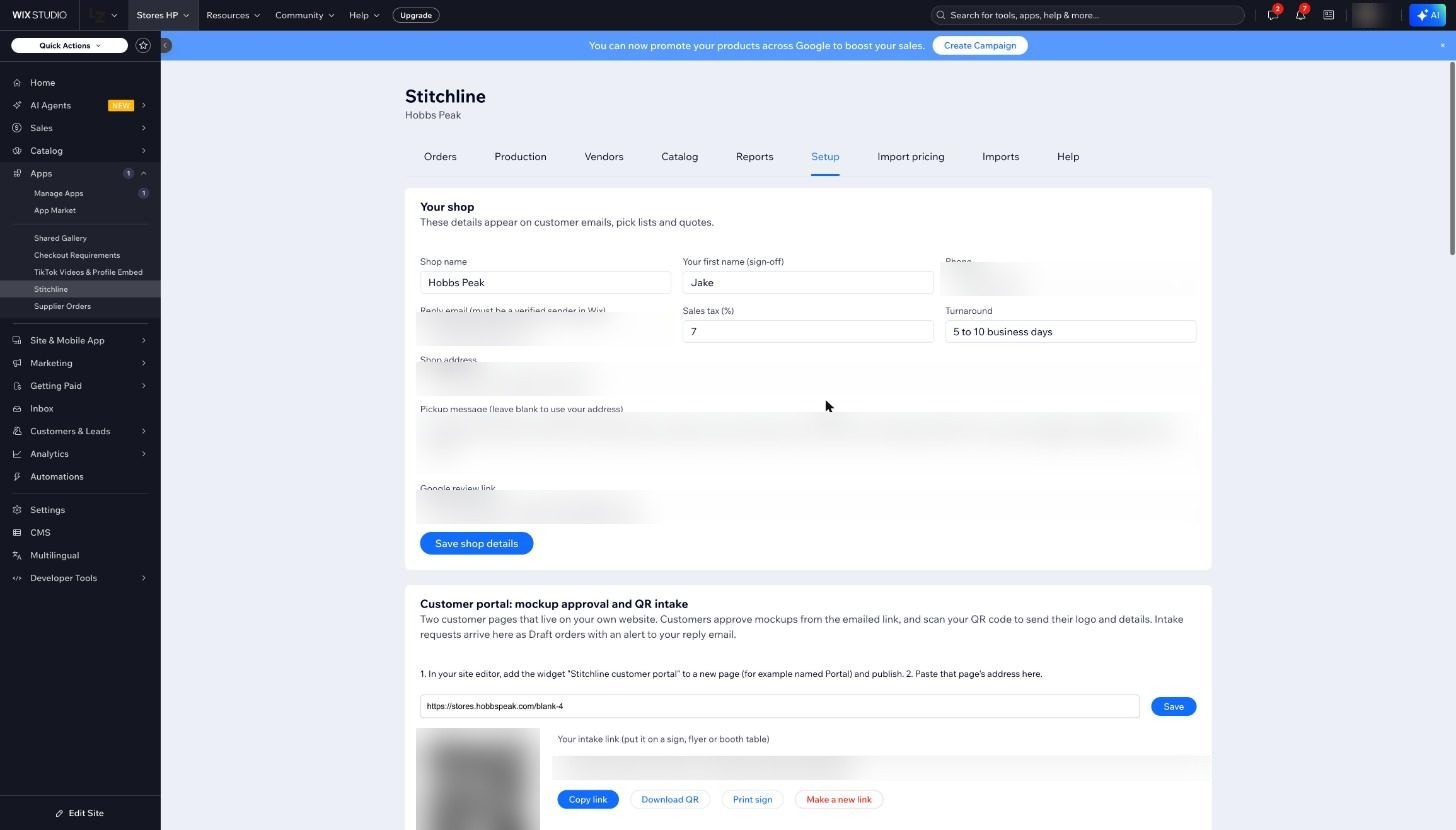
The app itself
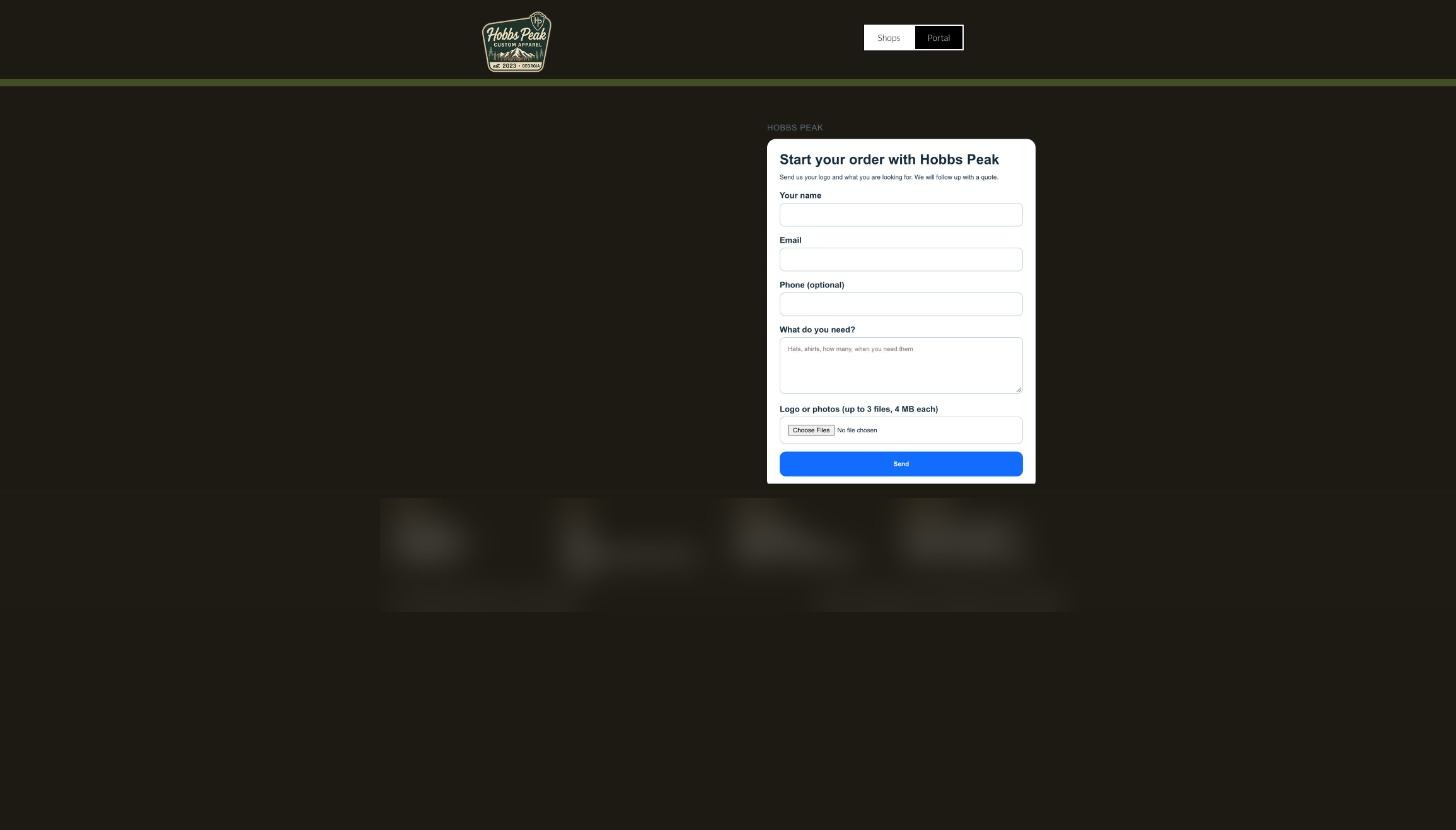
Screens from the shop that built it. Private details are blurred.
Run your next job from one ticket.
Start on the free plan. Build a real order, send the payment link and see the vendor lists before you pay anything.
Start free
No card needed for the Free plan.